
Respira AER
WordPress operations, without the terminal
Run WordPress work from anywhere.
Respira AER is WordPress Mission Control in a browser. Open it in a browser, choose the connected sites it may touch, then ask for work in plain words.
It is for the moments when you have a phone or a browser, but no terminal open and nothing installed locally. The work runs through the Respira plugin already installed on those sites.
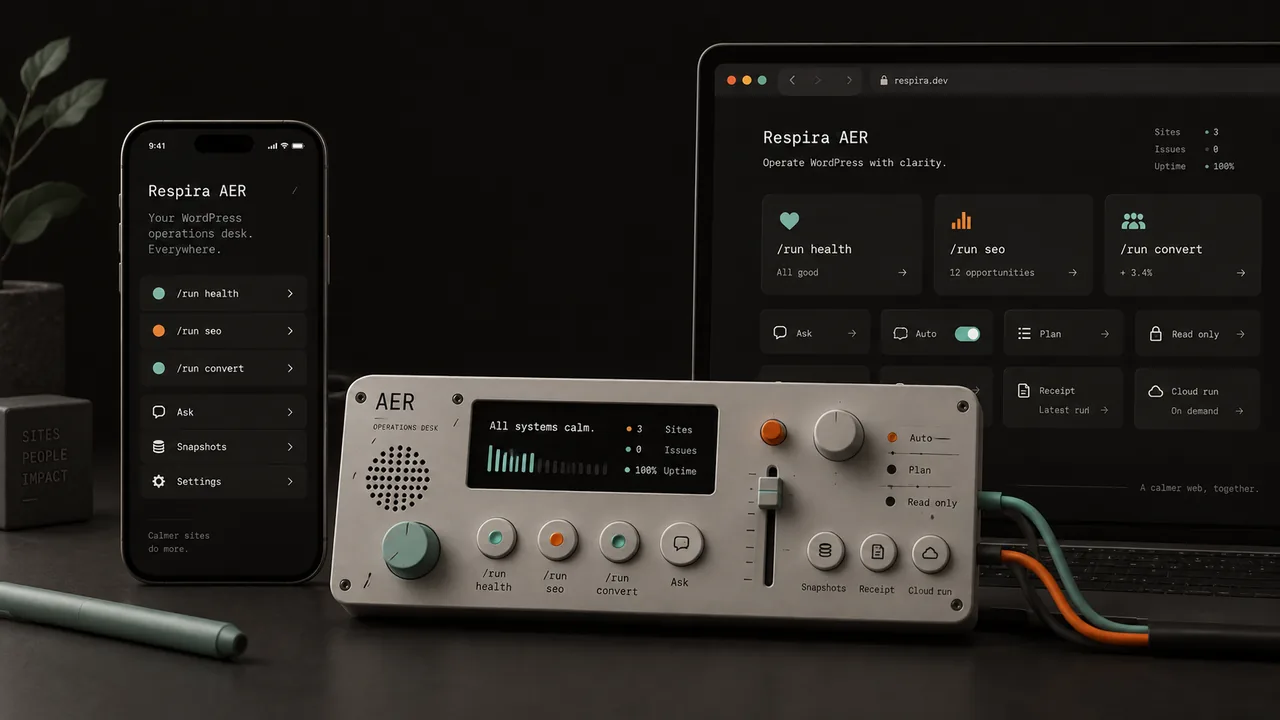
01 / actual product
This is what Respira AER actually looks like.
The instrument images on this page describe the operating idea. These four screens are the product itself.
Respira AER keeps the site, model, intensity, permission mode, cloud handoff and preview close enough to operate from a browser or a phone without turning WordPress work into a terminal session.
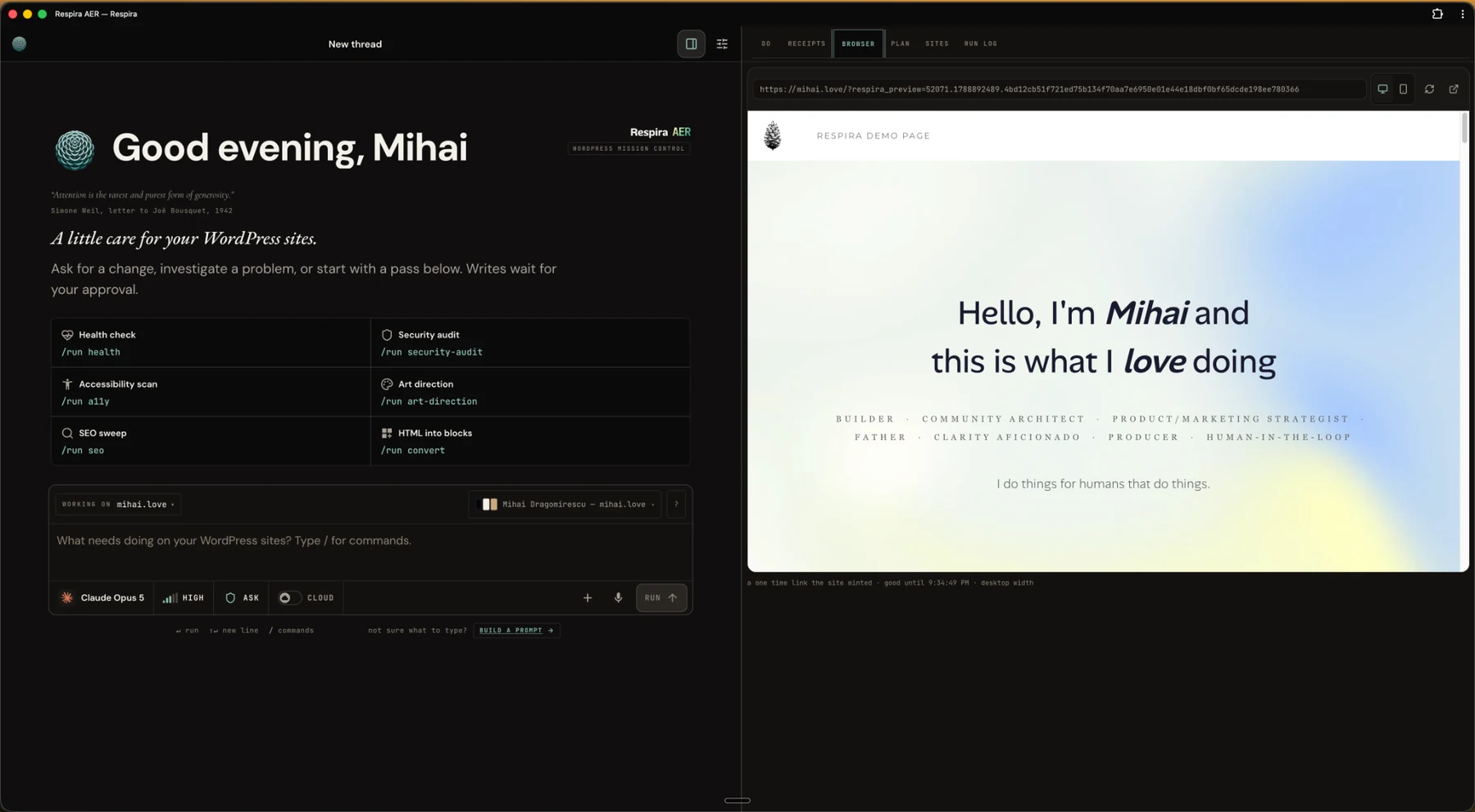
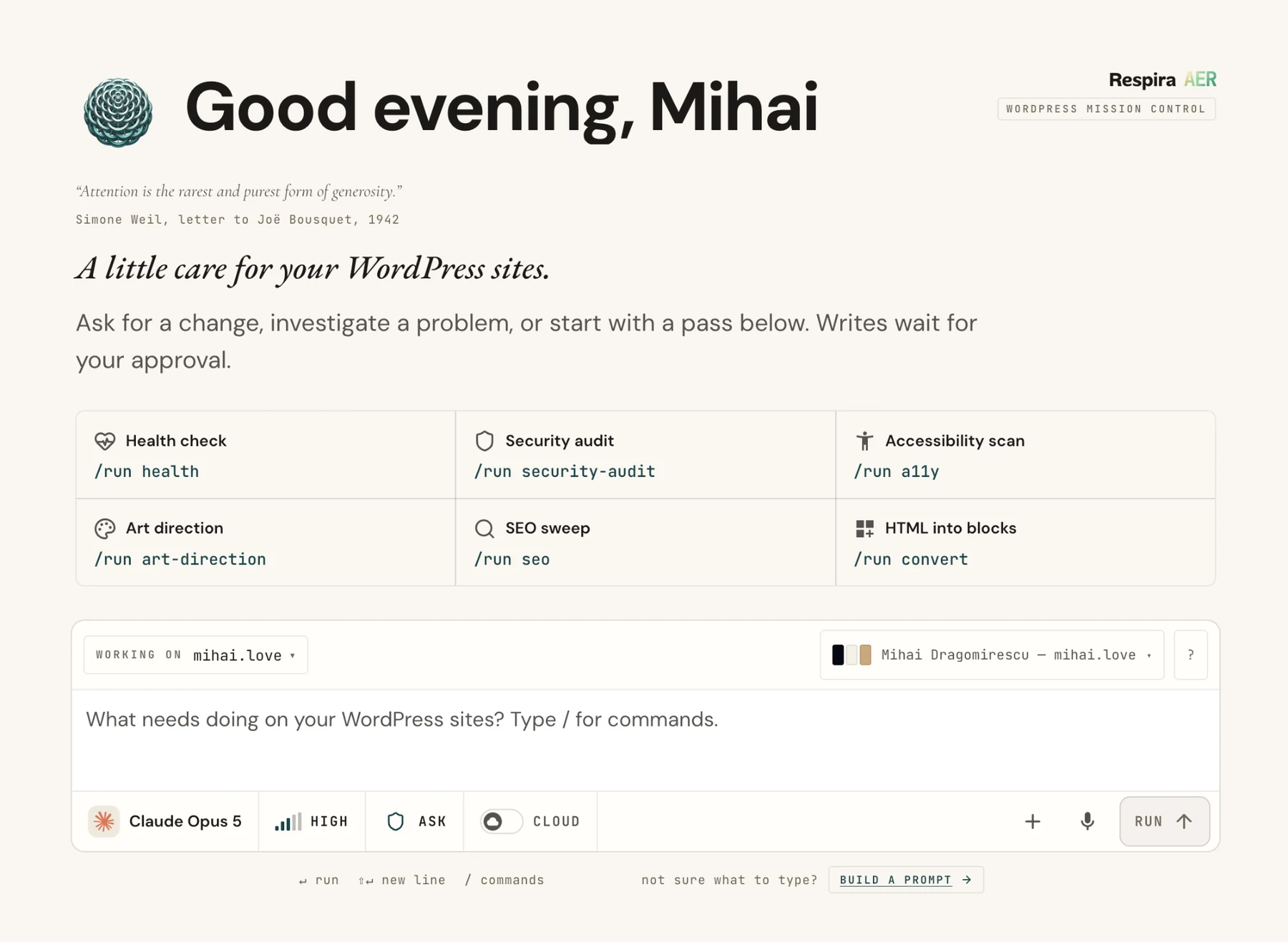
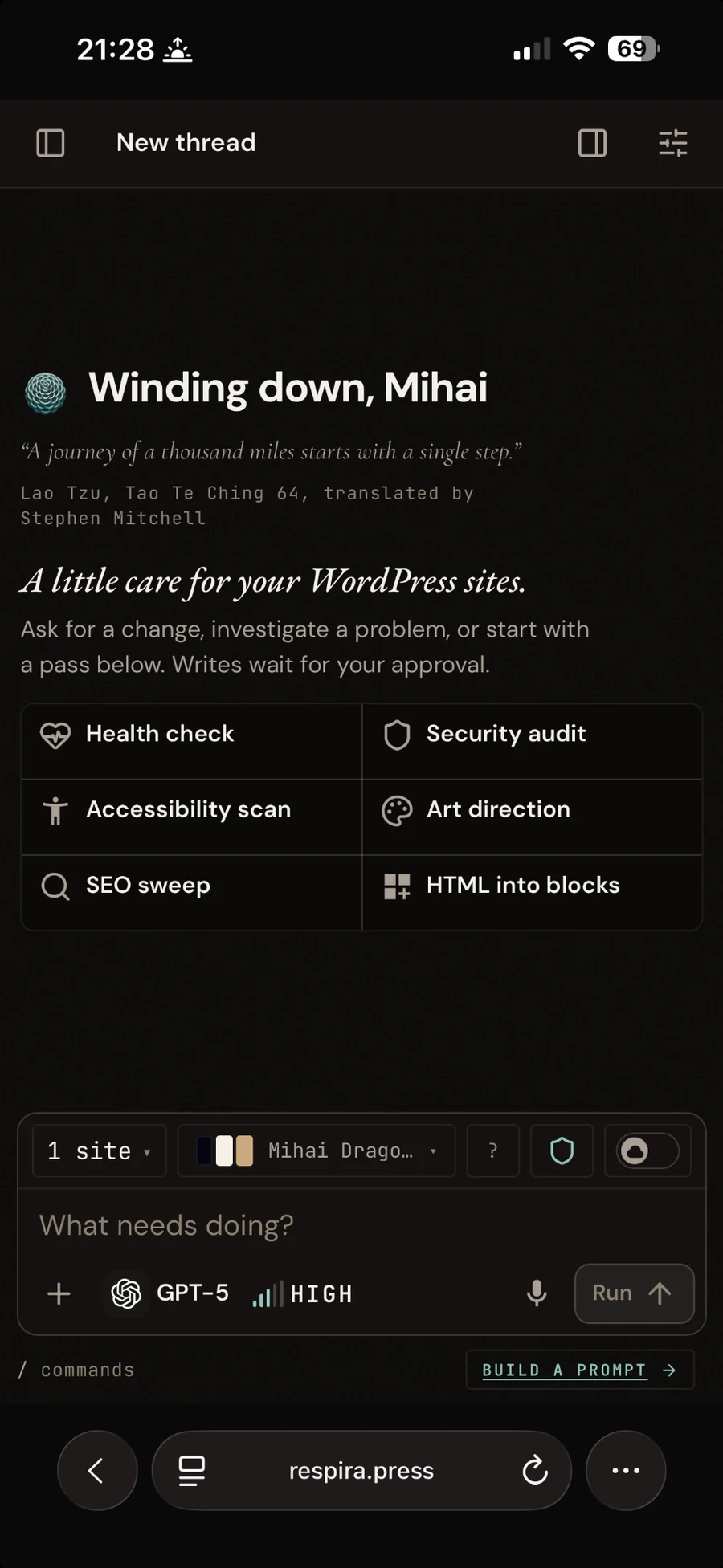
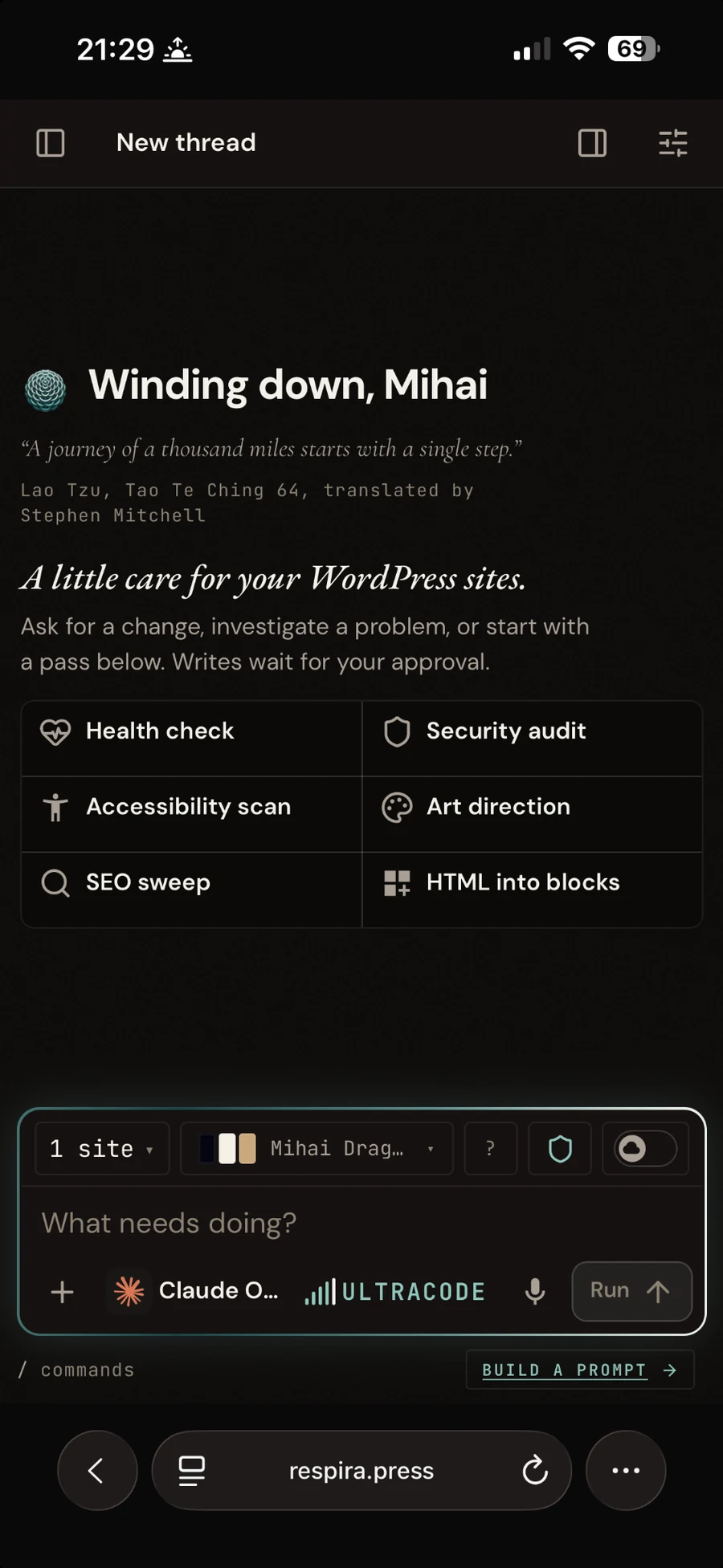
product, not concept art
The tactile hardware scenes stay on the page because they explain the feeling of the system. The screenshots above are Respira AER as it actually ships and runs.
02 / positioning
What this is not.
Respira AER is not trying to be a better IDE.
Claude Code, OpenAI Codex, and IDEs running flagship models will have stronger reasoning, better tooling and better output than a model called through an API key inside Respira AER.
If you have a terminal and a subscription, use them.
Respira AER exists for the case they do not cover: operating WordPress from a phone or from a browser, with no terminal open and nothing installed.
convenience and reach, not raw capability.
03 / named passes
Ask for a job by name.
Passes turn common site work into a known sequence. Pick one, choose the site and permission mode, then run it.
/run health
Health
Check the site for operational problems and surface what deserves attention first.
/run security-audit
Security audit
Inspect the WordPress setup for security issues and risky configuration.
/run a11y
Accessibility
Review the page for accessibility issues and prepare fixes that can be approved.
/run seo
SEO
Check page-level SEO details, content structure and the fixes that can be made safely.
/run design-check
Design check
Inspect visual consistency, spacing, hierarchy and common layout problems.
/run art-direction
Art direction
Review the page as a visual system and propose a clearer direction before changing it.
/run convert
Convert HTML
Bring your own HTML. Respira AER rebuilds it as native builder blocks on a duplicate, not on the live page.
04 / control
How a run is kept safe.
The model does not get one permanent level of freedom. You choose the permission mode for the run, then the work leaves a record.
01 / ask
Ask
Every write waits for approval before it reaches the site.
02 / auto
Auto
Edits run without stopping. Deletes and restores still wait for approval.
03 / plan
Plan
Respira AER answers with a plan. You run the steps one at a time.
04 / read only
Read only
No write tool can run at all.
approval
Writes can wait.
Use Ask when every change should stop at the gate until you approve it.
snapshots
Changes can be undone.
A snapshot is taken around change work so the site can be restored if the result is wrong.
receipts
Every run leaves evidence.
See the tools called, snapshots taken, tokens used and model cost for the run.
05 / cloud runs
Hand it off. Close the tab.
A cloud run moves the job to a worker so your browser does not need to stay open.
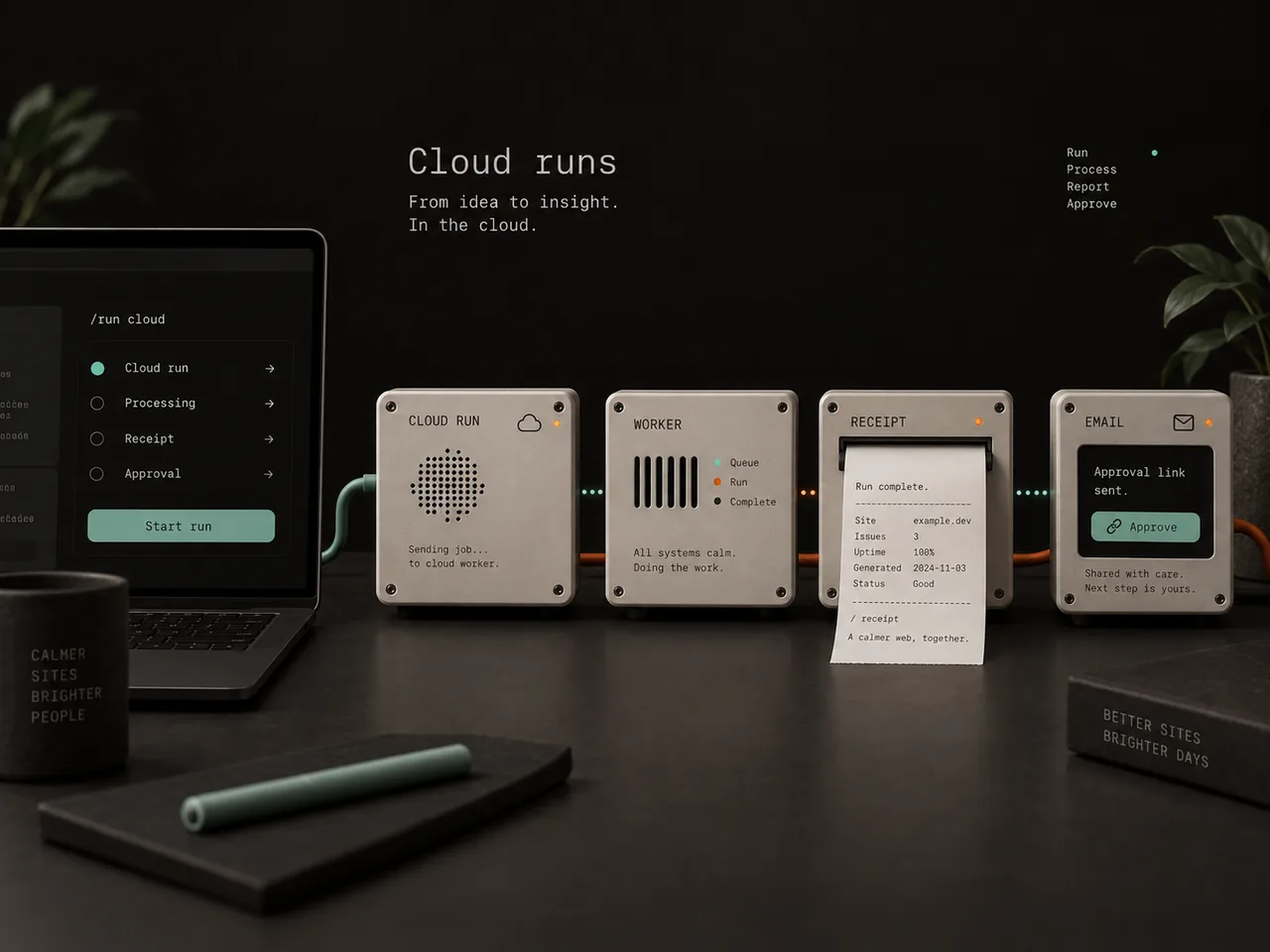
Start the run
Choose the site, the pass or prompt, the permission mode and intensity.
Send it to cloud
The worker takes over the run. Your laptop or phone can leave.
Work finishes
The worker completes what it is allowed to complete and preserves anything that still needs approval.
Read the report
An email arrives with the result and a link to approve anything still waiting.
06 / prompt architect
For people who do not know what to type.
The prompt architect asks two questions, fills the blanks, and shows the exact sentence before anything runs.
You can read it, change it, or leave it alone. There is no hidden magic prompt you are expected to trust.
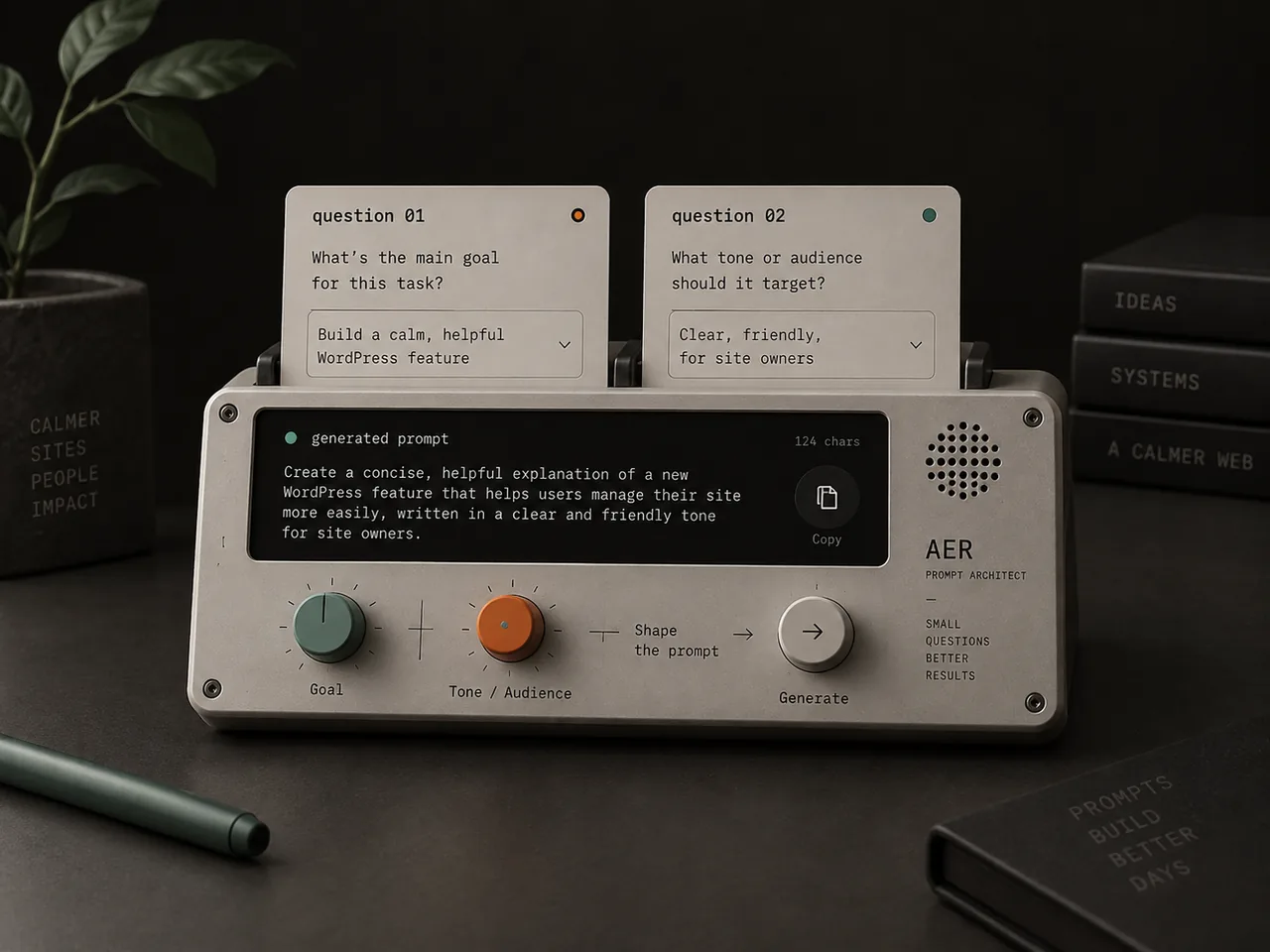
question 01
What do you want changed?
question 02
What should stay untouched?
07 / model access
Bring your own API key.
Respira AER runs on a model account you control. Respira does not charge for tokens and does not resell them.
account note
A ChatGPT or Claude subscription is not an API account.
The consumer subscription and the API are billed separately by the model provider. To use Respira AER, you need an API key with billing set up for the provider you choose.
08 / use it where it fits
Keep the terminal for deep work. Use Respira AER when the terminal is not there.
Open a browser, choose the WordPress sites Respira AER may touch, set the permission mode, and run the work from wherever you are.
Respira AER
WordPress Mission Control
 RespiraBUILD 1 OF 3 · RESPIRA AER
Built by Respira AER
The same 2.5 MB design file, written by ChatGPT, rebuilt on this site as native Divi 5 modules in one Auto run from the Respira dashboard.
2 min 17 sec · 207 Divi blocks · fidelity 100/100